User Guide
Step by step description for Exporso product installation
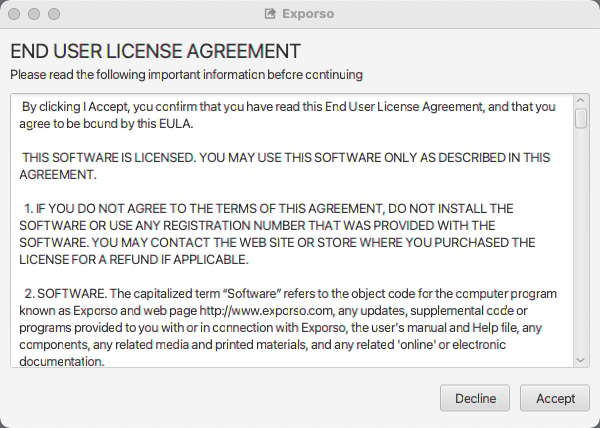
Step 1. Read carefully EULA (end user License Agreement). If you agree on all terms, click “Agree”.
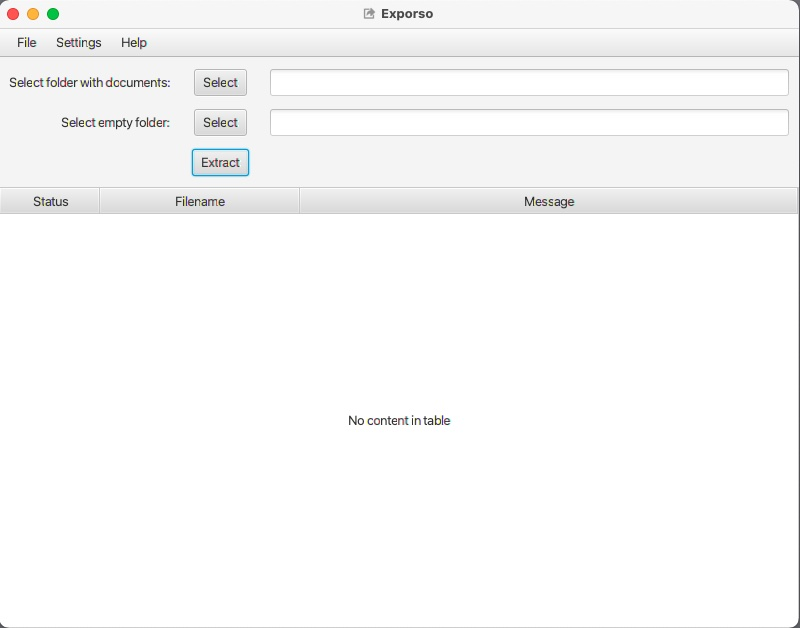
Step 2. In the main window:
• Select folder with documents
• Select empty folder where you want to save results
• Click extract
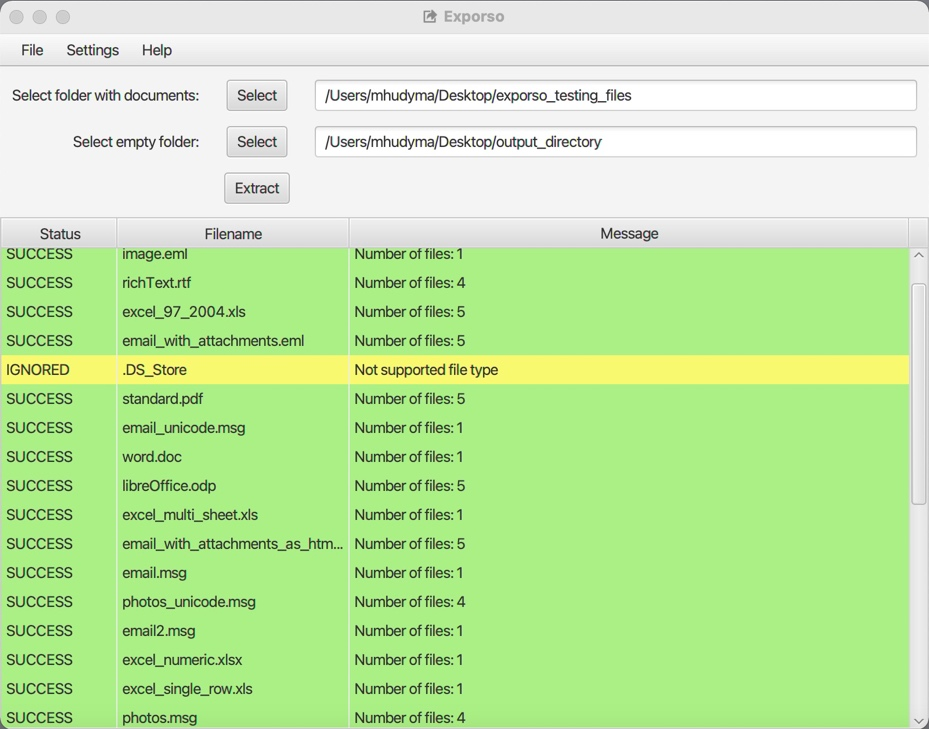
Step 3. The full report of extraction you can see in the table.
If there was any error, you can read details about it.
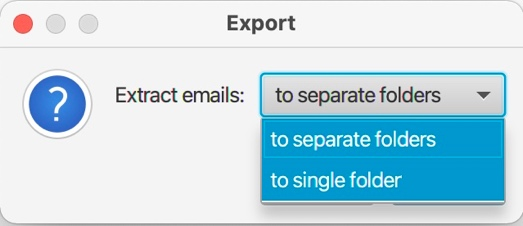
Options. From menu -> Options, choose one of two options:
• Extract files to separate folders – to save results of each file to separate folder
• Extract files to single folder – to save results of all files into one folder.
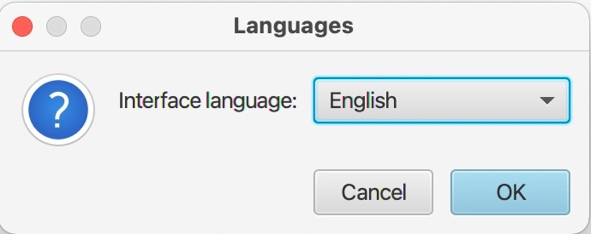
Languages: Choose language from the list.